
More happy guests. Less operational chaos.
One system for restaurants, cafes, and bars, covering everything from QR ordering to reporting.
No credit card required
30-day free trial on paid modules
Launch in about an hour
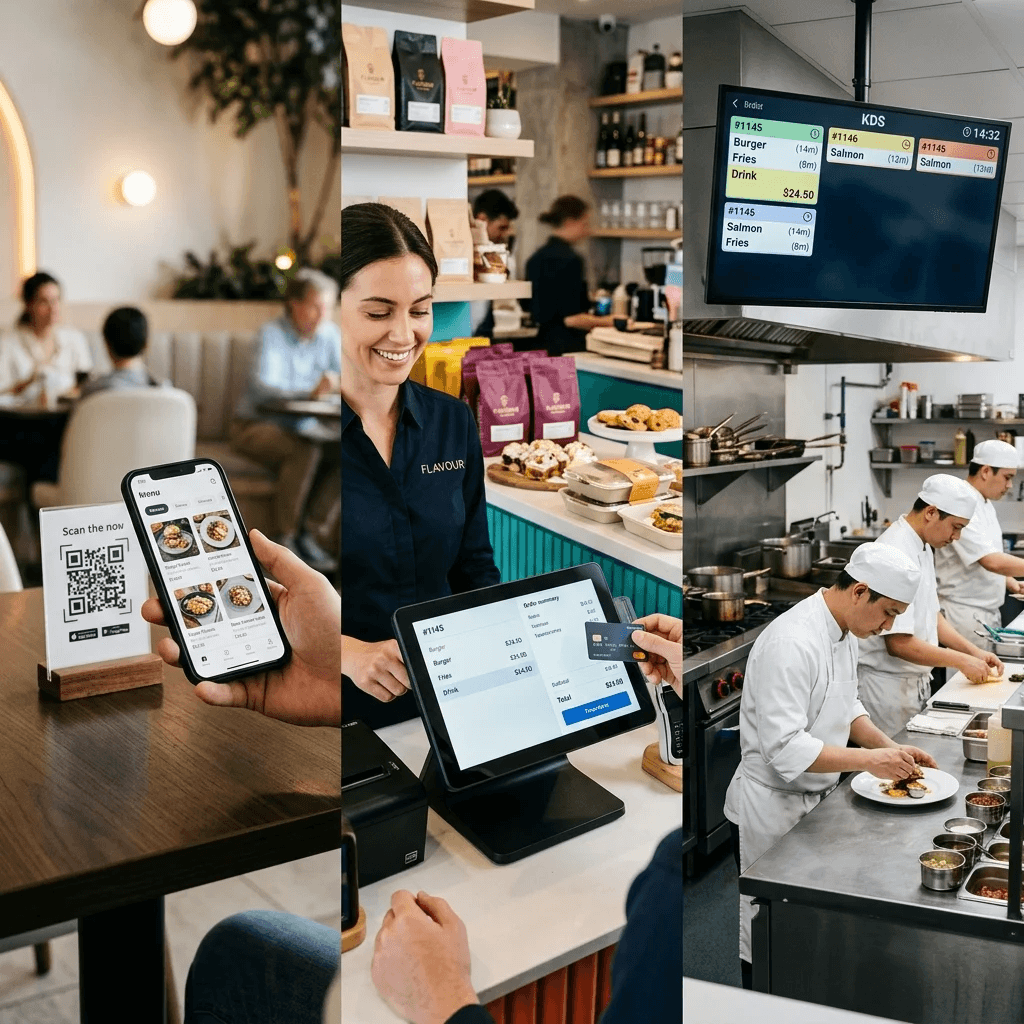
Integrated workflow
Guest ordering, staff workflows, kitchen execution, and reporting in one connected operating stack.
Impact
Three Ways Smart Menu ImprovesDaily Restaurant Operations
Better service, tighter control, and clearer economics from the same operating system.
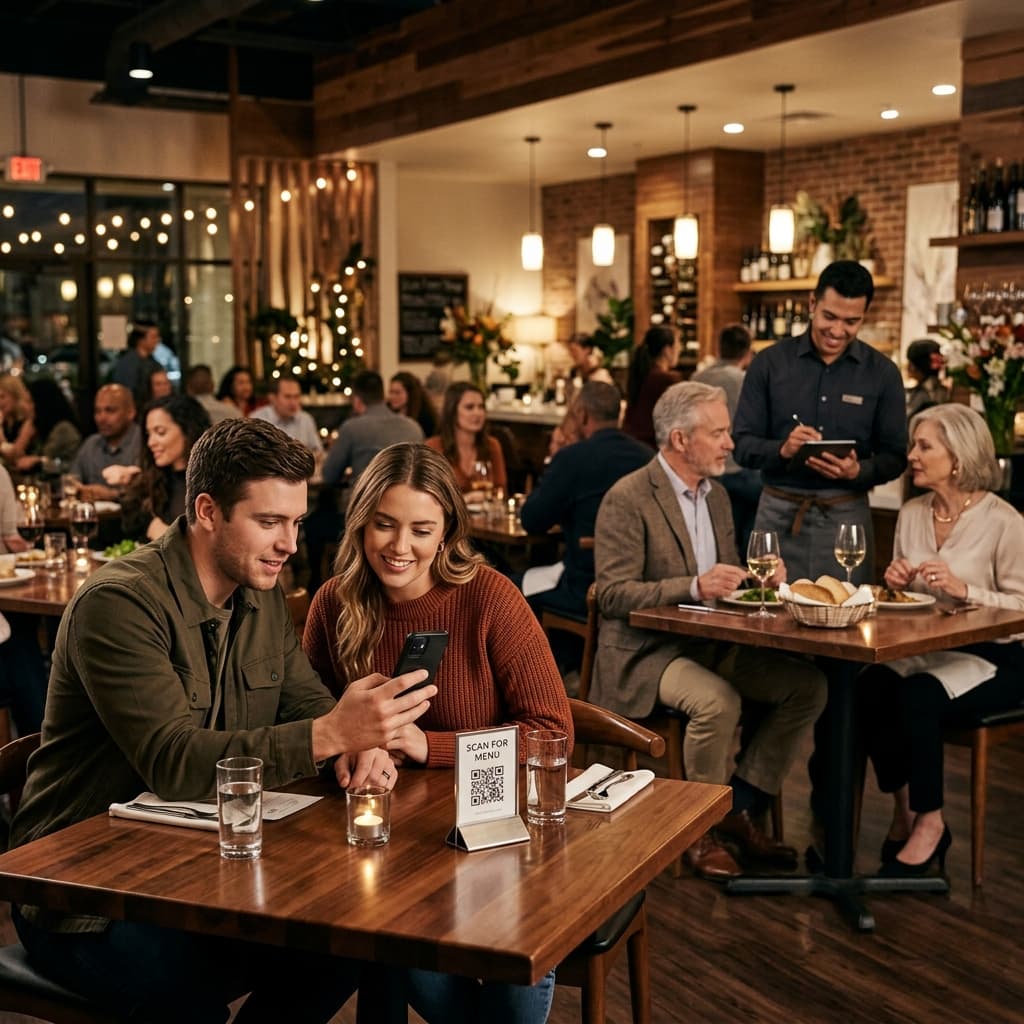
01
Superior Guest Experience
Cut guest wait times, reduce handoff mistakes, and free your team to focus on genuine hospitality.
Guests order and pay on their own. No waiting for a server with a menu or card terminal.

02
Real Savings
Lower operating costs without heavyweight software: leaner staffing, no menu reprint churn, and no oversized POS bill.
One server can cover about 1.5x more tables because guests order and pay through the QR menu.
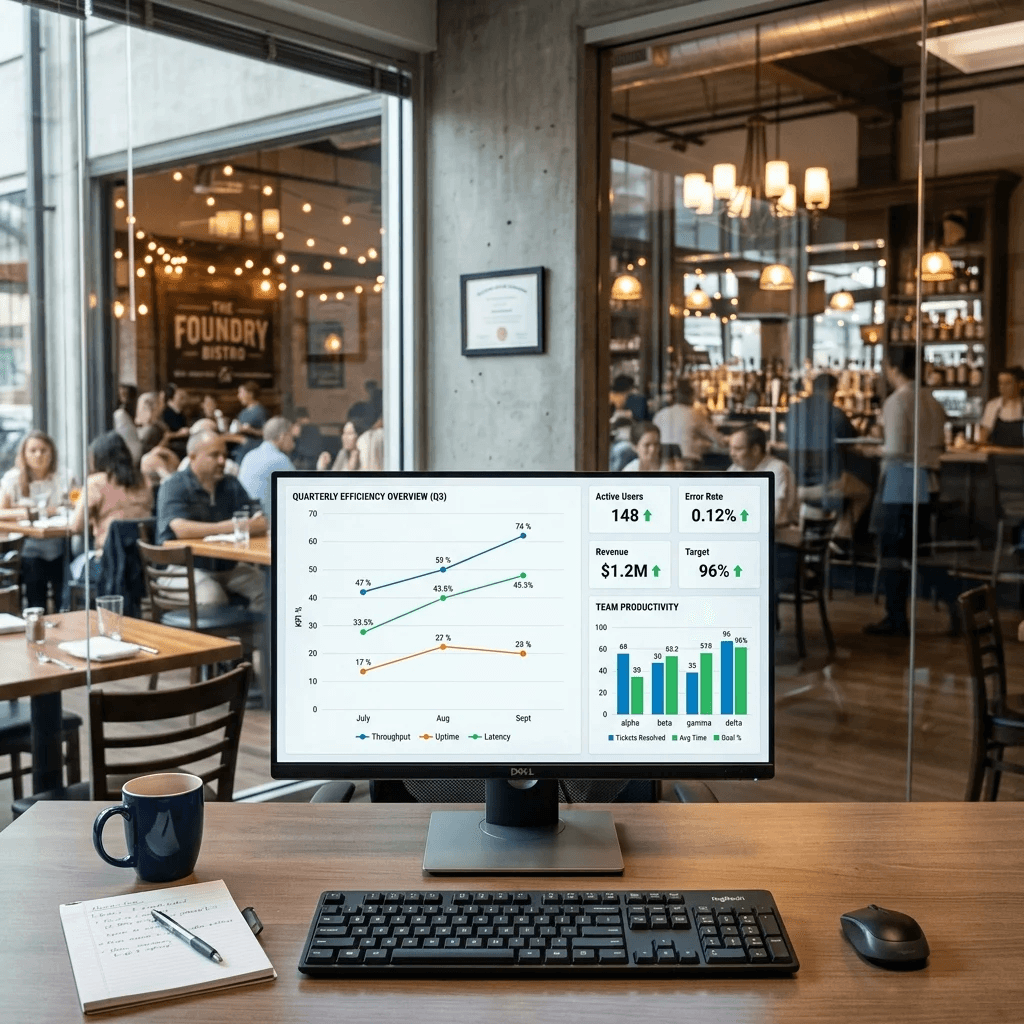
03
Control & Analytics
Track revenue, sales, and stock in real time so the venue is managed from data, not guesswork.
Track revenue and average spend in real time from anywhere. You always know what is happening on the floor right now.
Platform capabilities
Everything Your Team Needsin One Operating System
Smart Menu grows with your business. Start with the essentials, then add the modules that match how your venue actually runs.
Restaurant Website
A modern venue page with menu, key information, and online ordering.
Online Menu
A guest-facing menu in 10 core languages, expandable to 100+ with AI translation.
Waiter Mode
Tablet-based order taking for staff, with table management built in.
Guest QR Ordering
Guests order directly from their phones via QR code.
Delivery & Takeout
A clean workflow for takeaway and delivery orders.
Kitchen Display (KDS)
Real-time order routing to the kitchen, bar, and prep stations.
Stock Management
Stock tracking and inventory control with less manual effort.
Analytics
Clear reporting on sales, products, and operational performance.
Fast launch
From registration to first order in about 1 hour
Getting started is intentionally simple, so teams can go live fast without turning setup into a full implementation project.
2 min
Registration
Create your account in minutes. No credit card is required to get started.
20 min
Menu Setup
Add dishes, prices, and photos. Your team can do it quickly, or we can help.
40 min
Launch
Print QR codes for your tables, brief the staff, and start taking your first orders.
Always
24/7 Support
Our team stays available whenever you need help, guidance, or a fast answer.
No technical knowledge required
If your team can use a smartphone, they can use Smart Menu. The interface is designed for operators, not IT specialists.
Onboarding
Launch with onboarding,not guesswork.
We help shape the first menu, set up the operating flow, and prepare the team for day-to-day use so launch feels controlled from the start.

Included in rollout
Structured onboarding, practical setup help, and fast guidance through the first live workflows.
Menu structure audit
We help structure categories and menu logic for a cleaner first launch.
Business systems alignment
We align Smart Menu with your existing POS and back-office workflow.
Staff training and onboarding
We prepare the team for day-to-day use before launch.
Fast ongoing support
Questions and rollout adjustments are handled quickly.
Pricing & scaling
Scale your business,not your software costs.
Start with the free base product, then add only the modules that make sense for each venue. Each location can keep its own setup.
Paid modules include a 30-day free trial.
Visual Menu
The included foundation for QR access, menu browsing, and a polished guest-facing experience.
Free
forever
Digital QR menu
Photo-rich menu gallery
Branded venue page
10 interface languages
Order Management
Add dine-in, takeaway, and delivery workflows without relying on third-party ordering platforms.
39
€/mo
Dine-in orders
Takeout and delivery
Real-time order tracking
Call waiter button
Kitchen Display
Send orders directly to the kitchen with live status updates and no paper tickets.
19
€/mo
Kitchen screen
Cooking instructions
Status tracking
Team notifications
Stock Management
Track dish availability and stock signals with less manual checking and fewer surprises.
19
€/mo
Stock control
Dish availability control
Low stock alerts
Manual adjustments
AI Translator
Extend interface coverage to 100+ languages and automatically translate the public menu for international guests.
19
€/mo
100+ interface languages
Automatic menu translation
100+ menu languages
AI-assisted localization
Custom
For multi-location groups that need custom integration, rollout support, and tighter operational control.
Contact salesMulti-location sync
Custom integrations
Priority onboarding
White-label support
Smart Operations Suite
A practical bundle for venues that want guest ordering and kitchen flow without paying for modules they do not need before they are ready.
Visual Menu + Order Management + Kitchen Display
€58
/mo per location
Visual Menu
Free forever
Order Management
€39/mo
Kitchen Display
€19/mo
Keep costs aligned with value:
start with the base product, then add paid modules only when the workflow clearly justifies the spend.
Target audience
Built for a Wide Range of Formats
Built for hospitality teams that need a polished guest experience and reliable operations, from single-location venues to more complex service formats.
Restaurants & Bistros
A strong fit for both full-service dining and casual concepts. Improve service speed and raise the average check with smoother guest and staff workflows.
Cafes & Bakeries
Promote daily specials, simplify takeaway ordering, and keep the counter moving without adding complexity.
Bars & Pubs
Let guests reorder from the table and keep peak-hour service fast, accurate, and easier for the team to manage.
Fast Food
Handle high order volume with better throughput, fewer mistakes, and clearer kitchen coordination across rush periods.
Hotel Service
Support room service and lobby ordering with a guest-friendly flow that feels polished and easy to run.
Food Courts
A practical setup for multi-vendor locations that need fast ordering, simple menu access, and consistent service quality.
FAQ
Common Questions Before Launch
The questions teams usually want answered before they commit.
No special hardware is required to get started. Staff can work from smartphones or tablets, and Smart Menu fits the devices most teams already have.
That is usually not a problem. Smart Menu is designed to fit into existing operating workflows, and we help assess the cleanest setup for your current infrastructure.
Yes. There are no long-term lock-ins. You can change your module setup as the business evolves and keep costs aligned with actual usage.
Usually only minimal training is needed. The interface is designed to be intuitive, and most teams get comfortable with the core flow very quickly.
By default, Smart Menu supports 10 interface languages across the admin area and the public venue page. With the AI Translator module enabled, interface support expands to 100+ languages, and the public menu can also be translated automatically into 100+ languages.
Smart Menu is built with data protection in mind, including access controls, operational safeguards, and privacy-aware product design. If your rollout requires GDPR documentation, data-processing terms, or security details, we can share the current setup during evaluation.
After the trial, you can keep only the modules you need, expand the setup, reduce it, or pause paid add-ons. The goal is to keep pricing under your control.
Start for free, scale when ready
Launch with the free base plan, try paid modules for 30 days, and expand only when the added workflow clearly pays off.
Have questions? Reach the team by chat or email.

Smart Menu
© 2024-2026 PROMTIS. All rights reserved.